
Only your devices
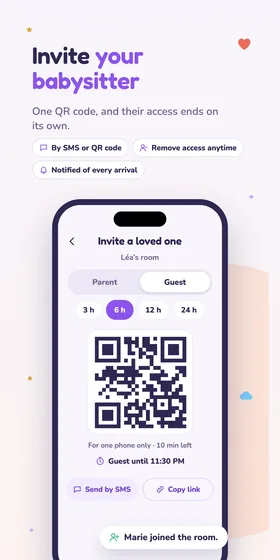
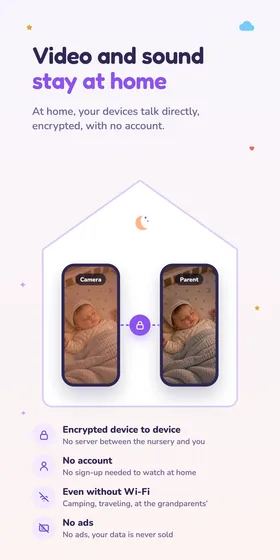
Only the devices you added can see and hear the room. From the camera, you can remove a parent at any time.
Video baby monitor for iPhone, iPad and Android
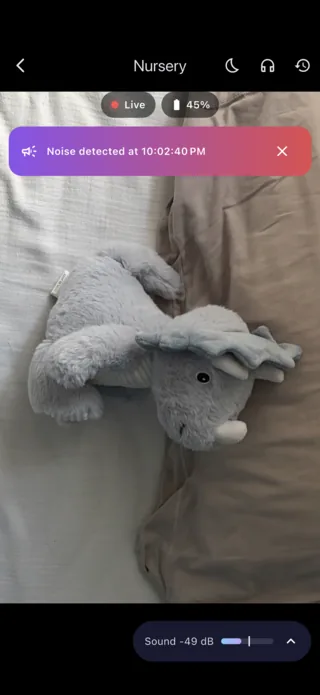
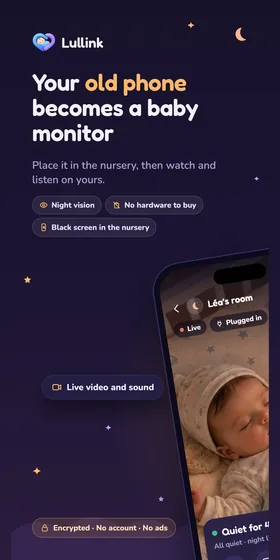
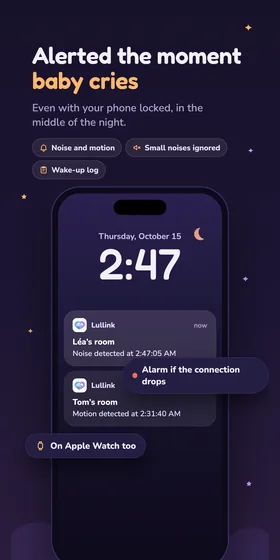
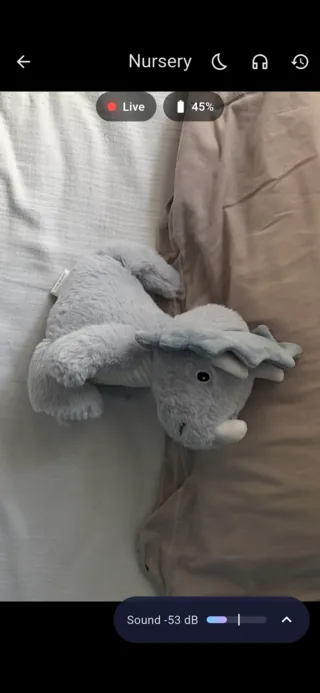
Place a phone or tablet in the nursery: it becomes the camera. On your phone, you see and hear your baby, and you're alerted as soon as they cry or move.

Preview
How it works
Nothing to buy: Lullink uses the phones and tablets you already own, even from different brands.
One for the nursery, one for you. An old phone sitting in a drawer makes a great camera.
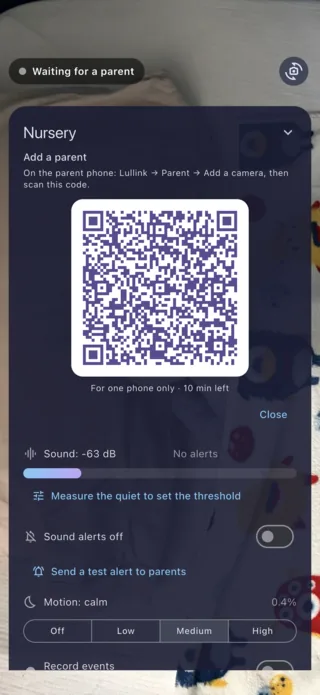
Choose “Camera”, name the room and plug the device in: a QR code appears.
On your phone, choose “Parent” and scan the QR code. From then on, it finds the camera on its own.
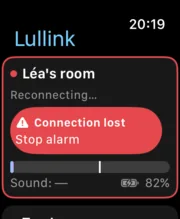
Alerts
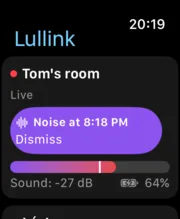
You choose the threshold; Lullink keeps watch and alerts you, even when your phone is locked.
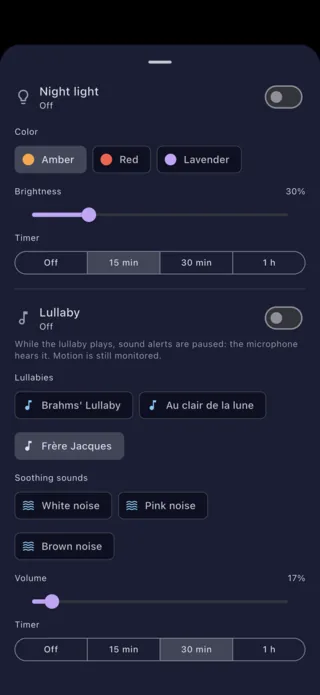
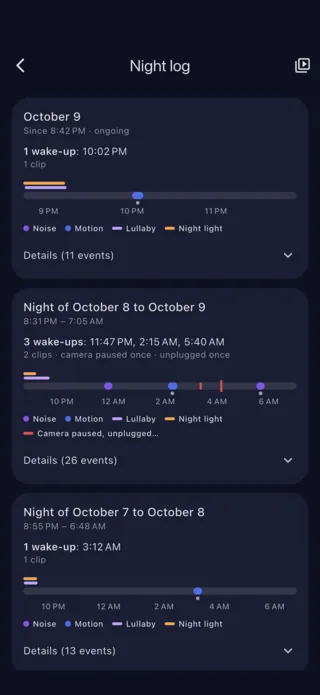
At night
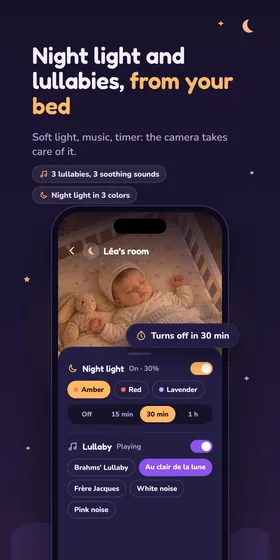
Everything is set from your phone, without stepping into the nursery.
All your screens
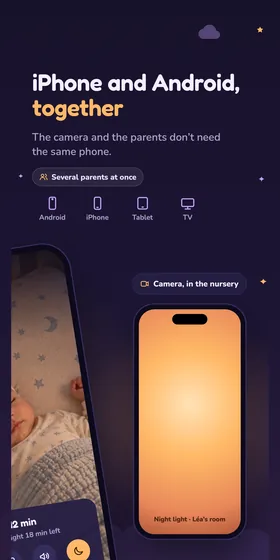
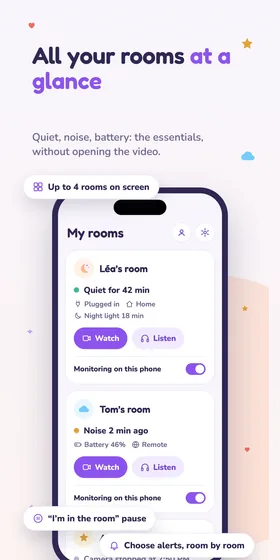
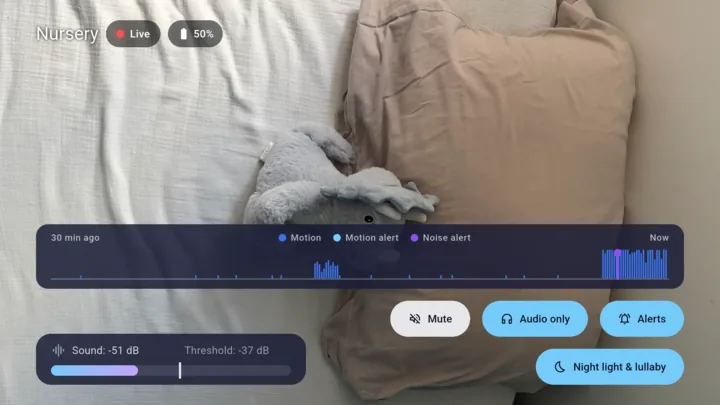
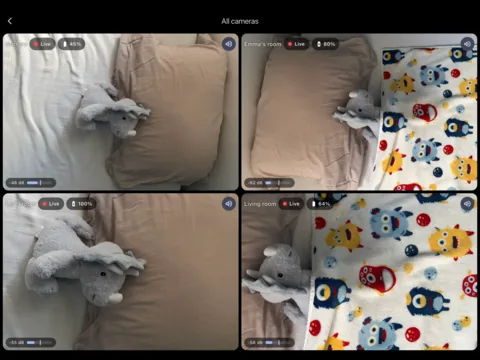
The camera and the parents can use different brands. Several parents can watch at the same time, and you can follow up to four rooms at once.
Apple TV and Android TV are coming with the next version.
Anywhere
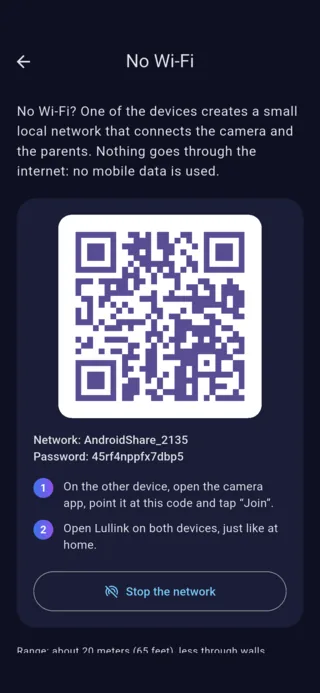
Camping, travel, holiday rental: an Android phone creates the small network that links your devices. With an iPhone, Personal Hotspot does the job.
Comparison
A dedicated video baby monitor has its strengths. Lullink has its own, with nothing to buy.
| Lullink | Dedicated baby monitor | |
|---|---|---|
| Price | Free, with your own devices | A device to buy |
| Several parents at once | Yes, each on their own screen | Often a single parent unit |
| Several rooms | Up to four on one screen | With extra cameras, depending on the model |
| TV and watch | Apple Watch; Apple TV and Android TV with the next version | No |
| Night log and clips | Yes | Rarely |
| Without Wi-Fi | Yes, a phone creates the network | Yes, dedicated radio link |
| Parent screen | Your phone, to keep charged | A device dedicated to the night |
Privacy
Picture and sound are end-to-end encrypted between your devices: we never see or hear anything.
Only the devices you added can see and hear the room. From the camera, you can remove a parent at any time.
No email, no password: nothing to create, nothing to remember.
No ads, and no selling of data.
Recordings are optional and stay on the camera device, unless you save one to your phone.
The app collects usage statistics without identifying you, on our own server, and outside France only if you agree; you can change this in the settings. Read the privacy policy
Download
No account and no ads. Install Lullink on the device in the nursery and on yours.
Phones and tablets, Android 7.0 or later.
iOS and iPadOS 15 or later.
The nursery on the big screen: tvOS 17 or Android 7.0, or later.
With the next version
With the iPhone app, watchOS 10 or later.
Guides
Practical tips to set up Lullink and enjoy peaceful nights.
An old smartphone or tablet makes a great video baby monitor. Compatibility, preparation, placement in the nursery: a step-by-step guide.
Read the guideNo router, or hotel Wi-Fi that blocks devices? Lullink still links the camera and your phone. How to do it, on Android and on iPhone.
Read the guideDedicated video baby monitor or an app on your phones? Price, range, battery, features: an honest comparison to help you choose for your situation.
Read the guideHelp
Yes. Lullink is free, with no account and no ads.
Two devices: a phone or tablet that stays in the nursery, ideally plugged in, and your phone. They connect over your Wi-Fi, or without Wi-Fi by tapping “No Wi-Fi? Camping, travel…” on the app's home screen.
Yes. The camera and the parents can use different brands: an iPhone can watch over an Android tablet, and the other way around.
Yes. An Android phone creates the network that links your devices, and an iPhone can share its connection. Everything is explained in the guide Baby monitor without Wi-Fi.
No. Picture and sound are end-to-end encrypted between the camera and the parents' devices: we never see or hear anything. Details are in the privacy policy.

Free, with no account and no ads. Ready in two minutes with your own devices.