
No account
Nothing to create, nothing to fill in: open the app and measure.

Network tools for iPhone, iPad, Mac and Android
Lullink Tools measures your Wi-Fi and your network: how the device is connected, the real speed between two devices at home, ping and open ports. A clear sentence first, then the figures.
 Coming soonApp Store
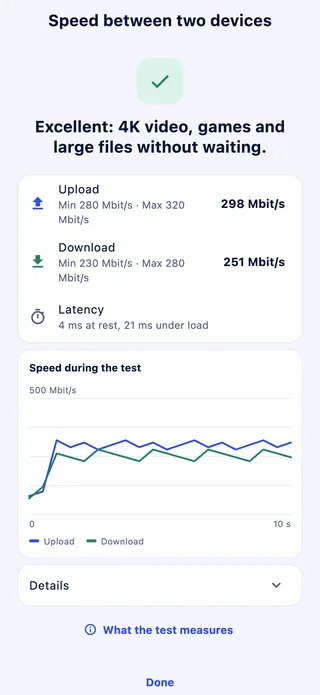
Preview
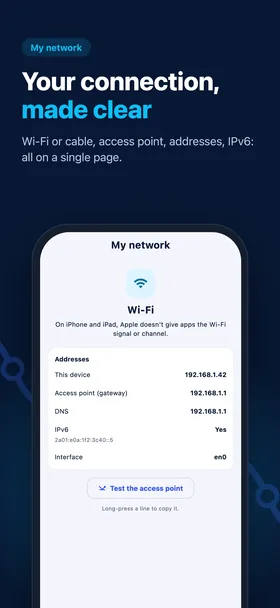
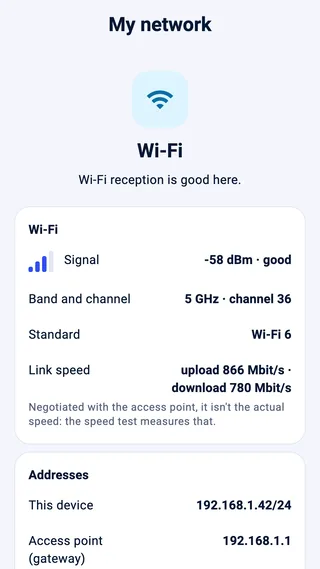
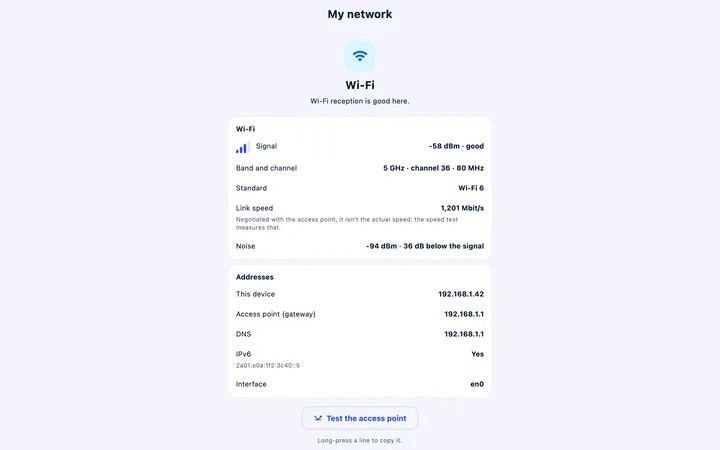
My network
Everything the device knows about its connection, on a single page, with a sentence that sums it up.
The Wi-Fi signal and channel are shown on Android and Mac. On iPhone, iPad and Apple TV, Apple does not give them to apps.
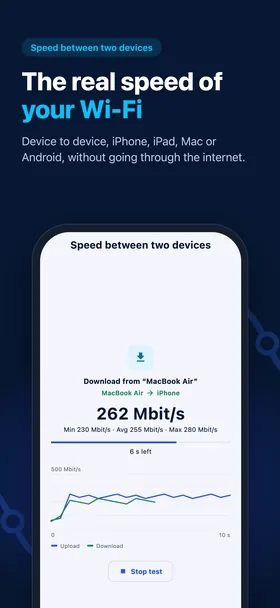
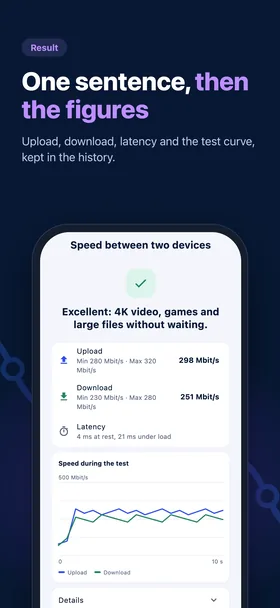
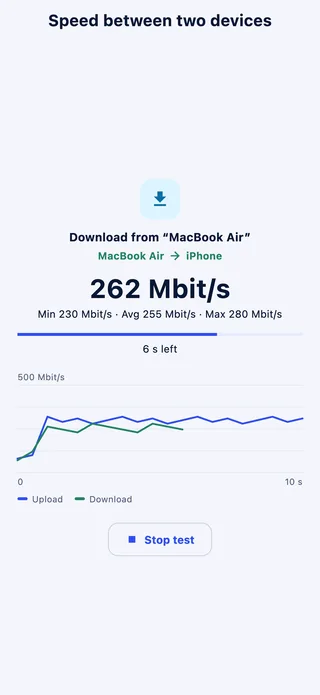
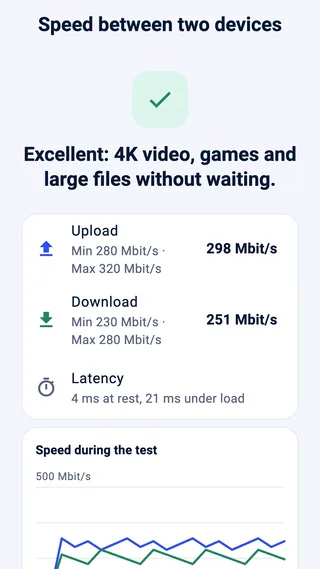
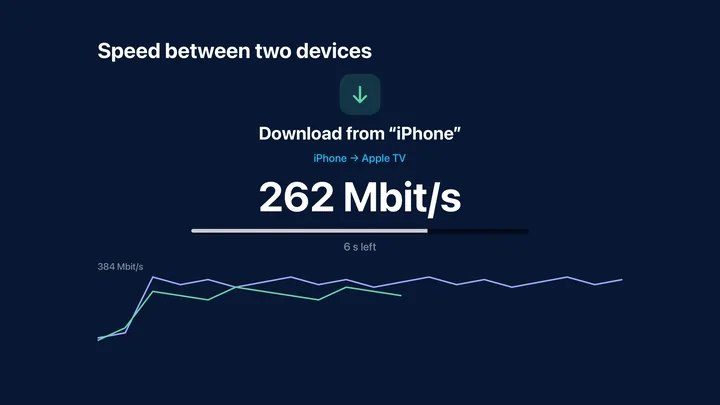
Speed between two devices
From one device to another at home, without going through the internet: what your network really delivers, room by room.
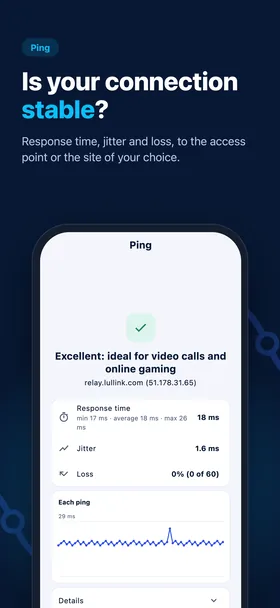
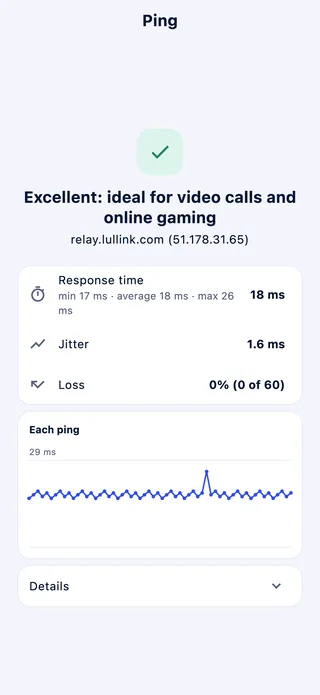
Ping
Response time, jitter and loss, to the target of your choice.
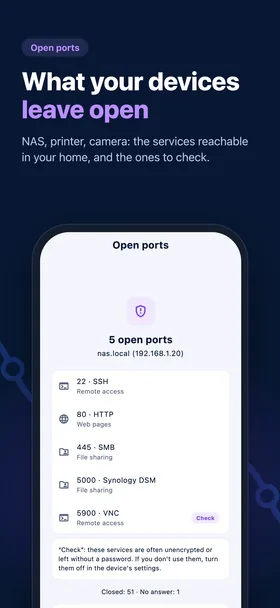
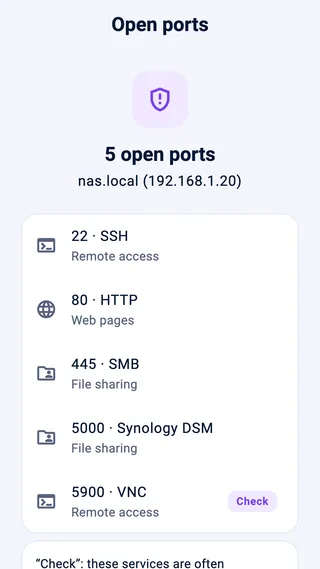
Open ports
The services a device at home accepts connections on: access point, NAS, printer, camera. And the ones to check.
Mac, iPad and TV
The same tools on iPhone, iPad, Mac, Android, Apple TV and Android TV.
Privacy
Lullink Tools measures your network, not you.
Nothing to create, nothing to fill in: open the app and measure.
Results and history stay on your device: we never receive them.
Open ports can only be checked at home: an internet address is refused.
Free, with no ads and no sale of data.
Only audience measurement reaches us, without identifying you, on our own server in France; outside France, only with your consent. Read the Lullink Tools privacy policy
Download
No account and no ads. To measure speed, install Lullink Tools on two devices on the same network.
iOS and iPadOS 15 or later.
macOS 12 or later, Apple silicon or Intel.
Phones and tablets, Android 7.0 or later.
With the remote: tvOS 17 or Android TV 7.0, or later.
Guides
Simple explanations to measure your Wi-Fi, read the figures and find where a problem comes from.
An internet speed test does not measure your Wi-Fi. To know what it really delivers in a room, measure between two devices at home.
Read the guideStuttering video, slow pages? Three measurements to find out whether the slowdown comes from the Wi-Fi or the internet connection, and what to do in each case.
Read the guideWhat response time, jitter and loss mean, the values to aim for in video calls and online gaming, and how to measure them.
Read the guideNAS, printer, camera, access point: which services your devices accept connections on, the ones to check, and how to turn off those you don't use.
Read the guideFAQ
No: it measures your network, between two of your devices, without going through the internet. That is what tells you whether slowness comes from the Wi-Fi or from the internet connection.
For speed, yes: Lullink Tools on both, connected to the same network. My network, ping and open ports work with a single device.
The link speed is the one negotiated with the access point, not the real throughput. And if both devices are on Wi-Fi, every piece of data crosses the air twice: the speed is often close to half. To judge the Wi-Fi of a room, connect one of the two devices to the access point with a cable.
On iPhone, iPad and Apple TV, Apple does not give apps the Wi-Fi signal or channel. Mac and Android provide them.
No. Lullink Tools only checks devices on your local network, and only those you are allowed to check.
Yes: free, with no account and no ads. Your measurements stay on your device.

Free, no account, no ads. Your measurements stay on your device.
Coming soonApp Store